
If you haven't yet, purchase a plan or request a free trial here: https://aircall.io/get-started/
Creating a Number
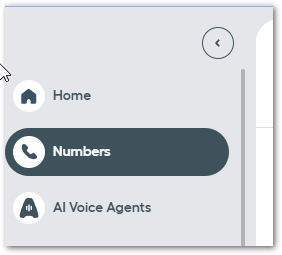
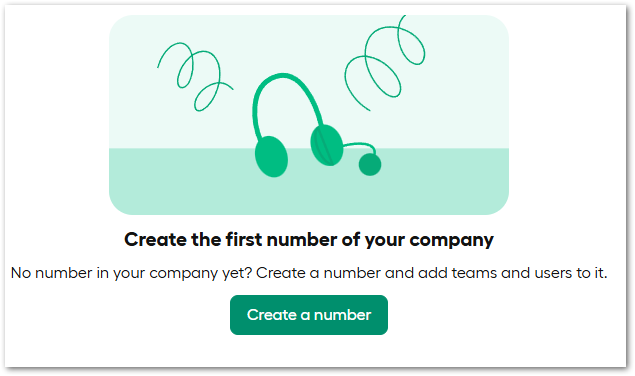
- Login to your Aircall Dashboard and create a number
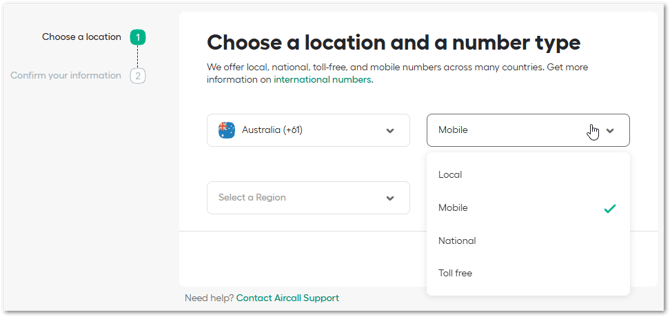
- Select country and number type:
- You may need to complete the Regulatory Information Set:
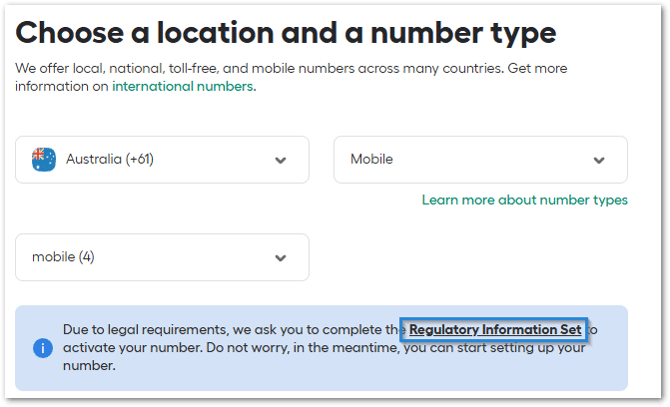
Please note: if this is required, you won't be able to use the new Aircall number until you completed the verification. Learn more (link). - Name your number and create:
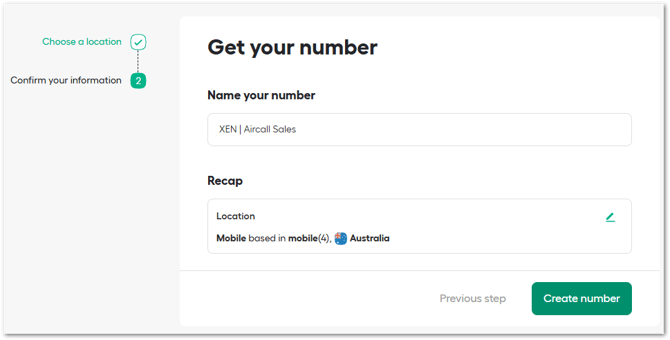
Note: you can also port an existing number to Aircall. Learn more (link).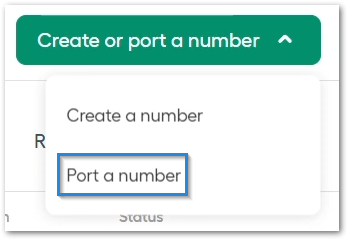
HubSpot Number Property
Aircall uses the E.164 phone number format, so you must ensure that your phone or mobile number property in HubSpot matches this format to prevent Aircall from creating duplicate records.
- Log in to HubSpot
- Navigate to Settings > Properties > Phone number:
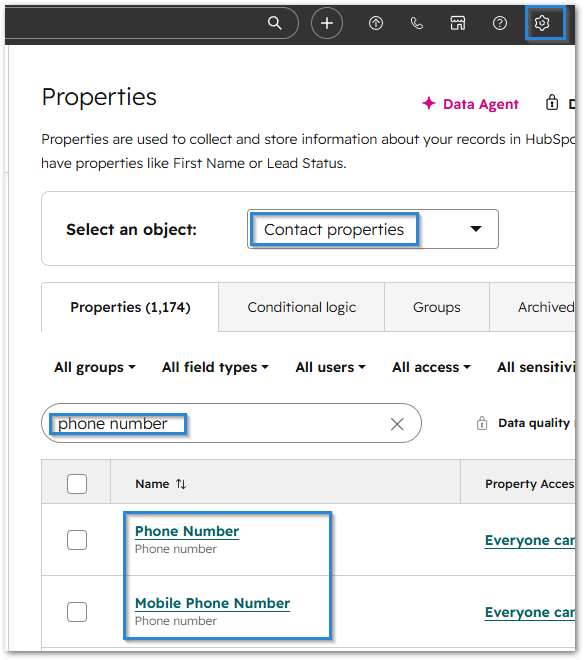
- Edit one of these phone number properties - you need to choose the one that you will use in Aircall
- Navigate to Rules > tick the 'validate' box and choose default country if applicable:
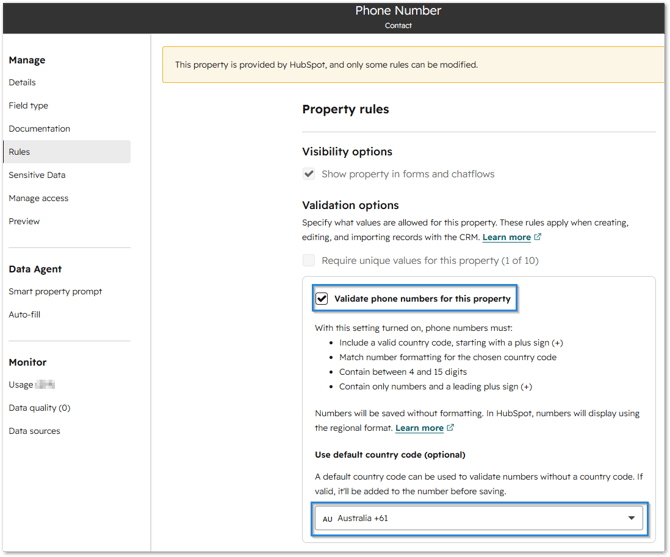
- Save your changes.
Integrate Aircall with HubSpot
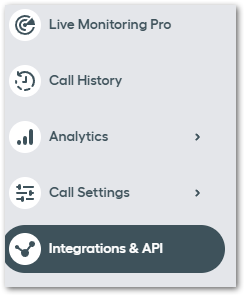
- Log in to Aircall and navigate to Integrations & API
- Install the HubSpot integration
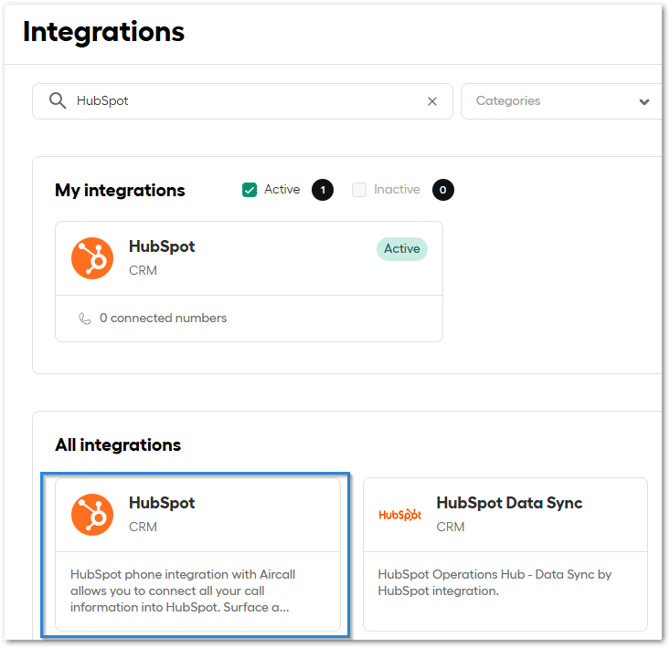
- Select the number to sync to HubSpot
- Configure your Integration settings:
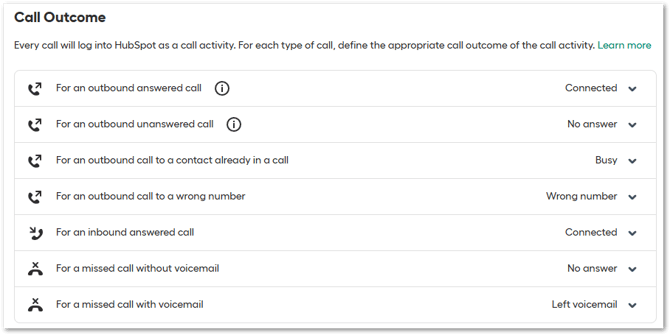
- Map Call Outcome:
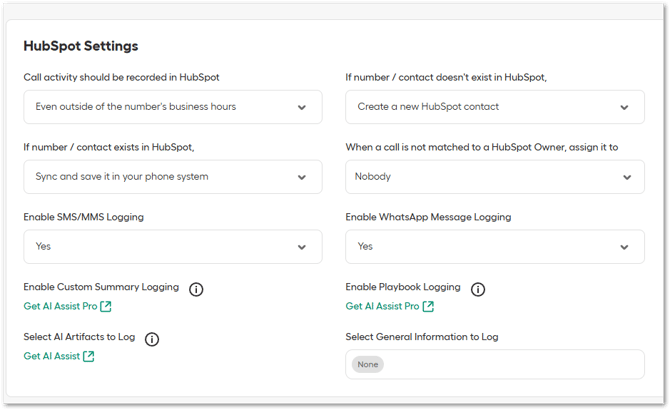
- HubSpot settings:
- Call recordings sync:
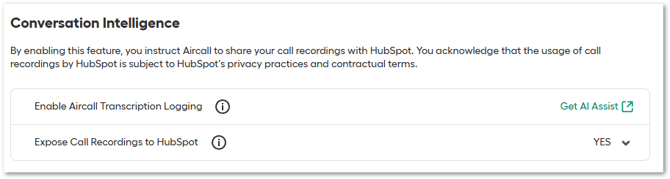
- Map Call Outcome:
- Once integrated, you should be able to make phone calls within HubSpot:
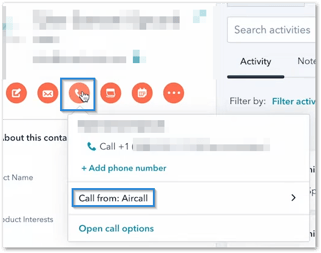
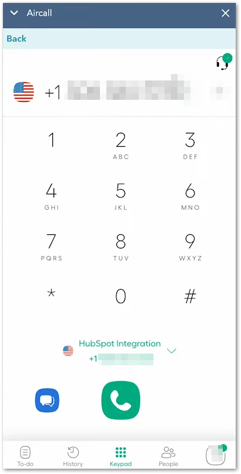
Learn more about this integration here (link).